Photos
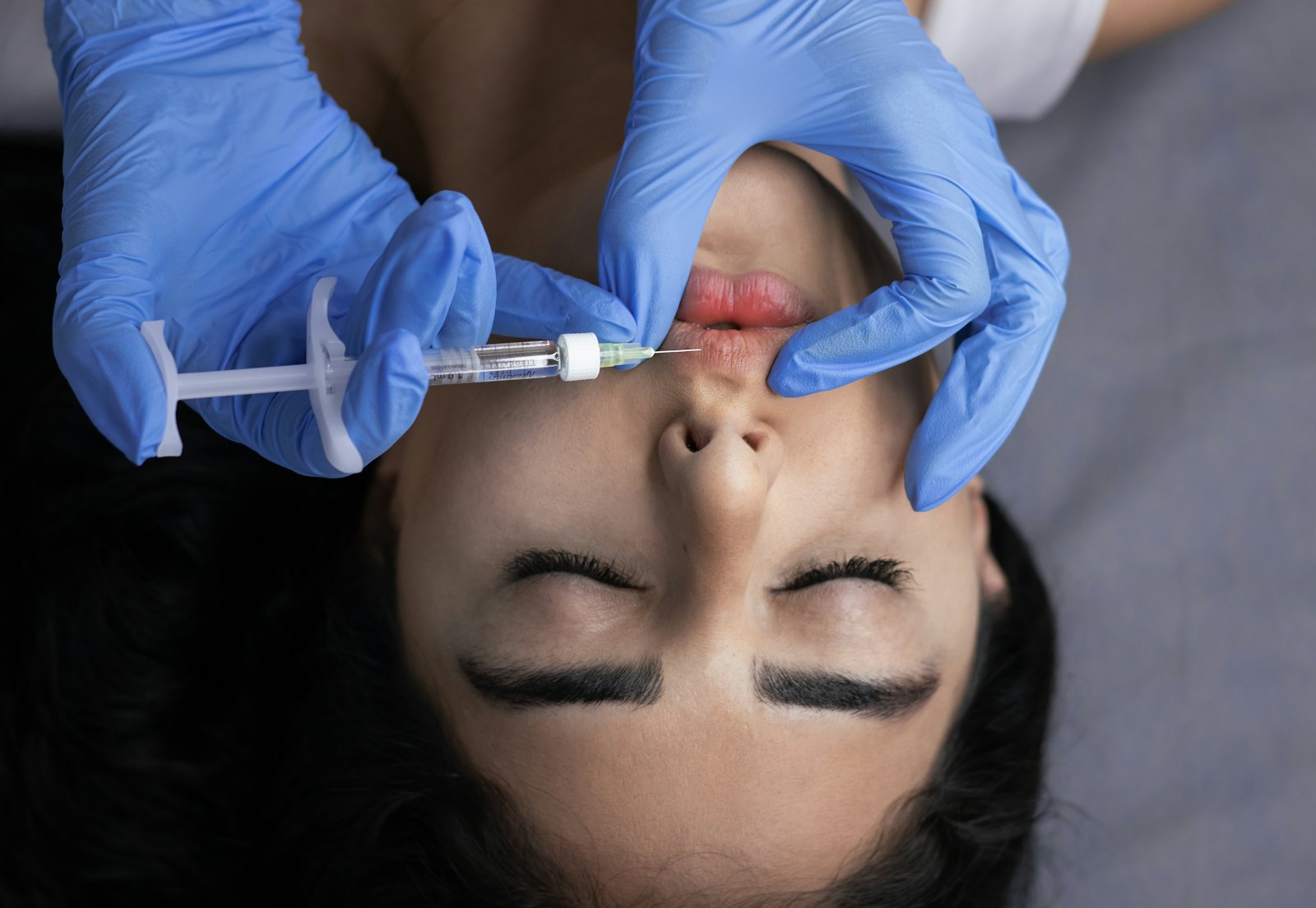
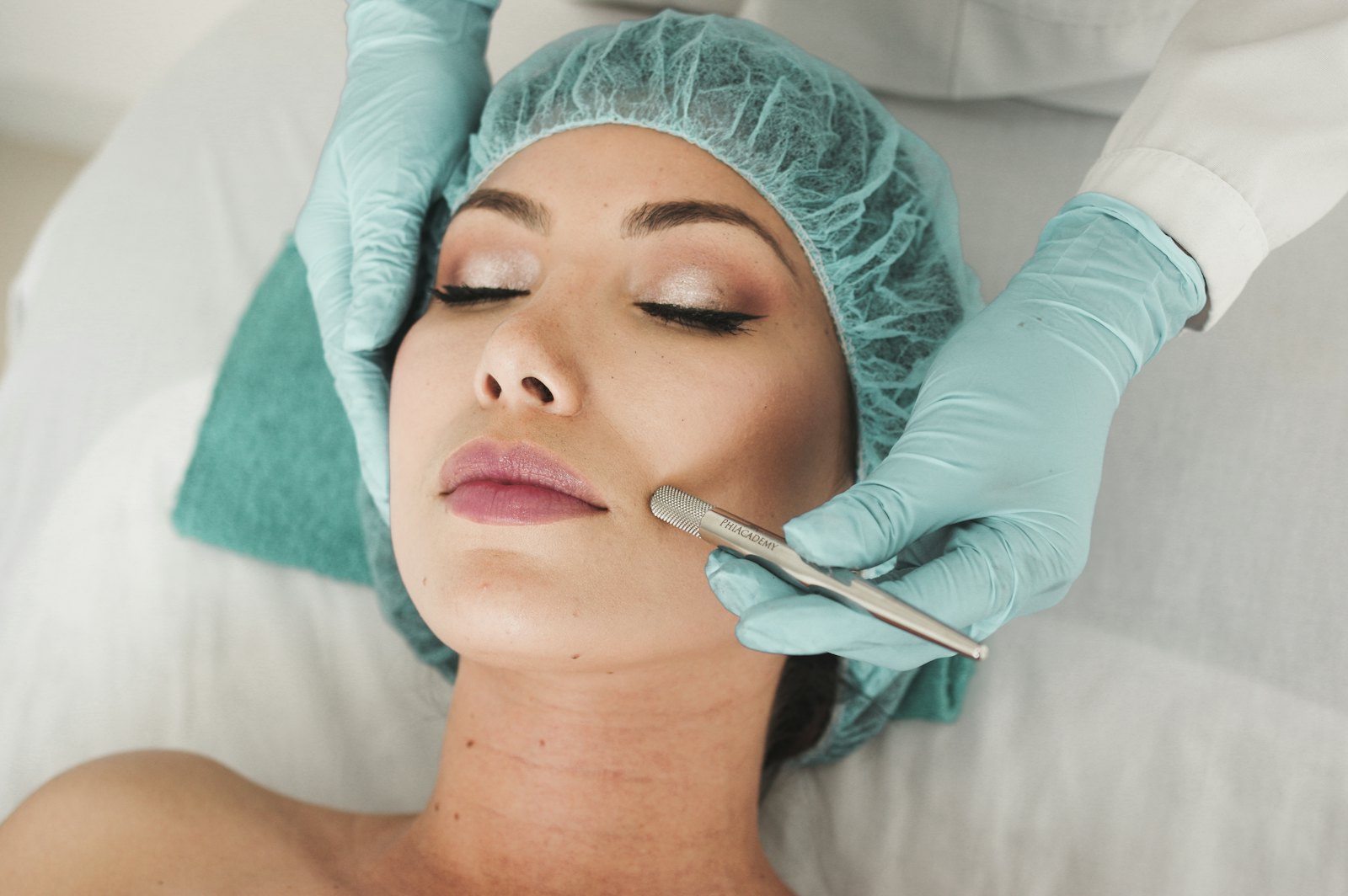
Before and after photos stay in the chart, not on your phone.
You take them from the app. They are encrypted before they leave the device, and nothing stays in your camera roll.
Request a demo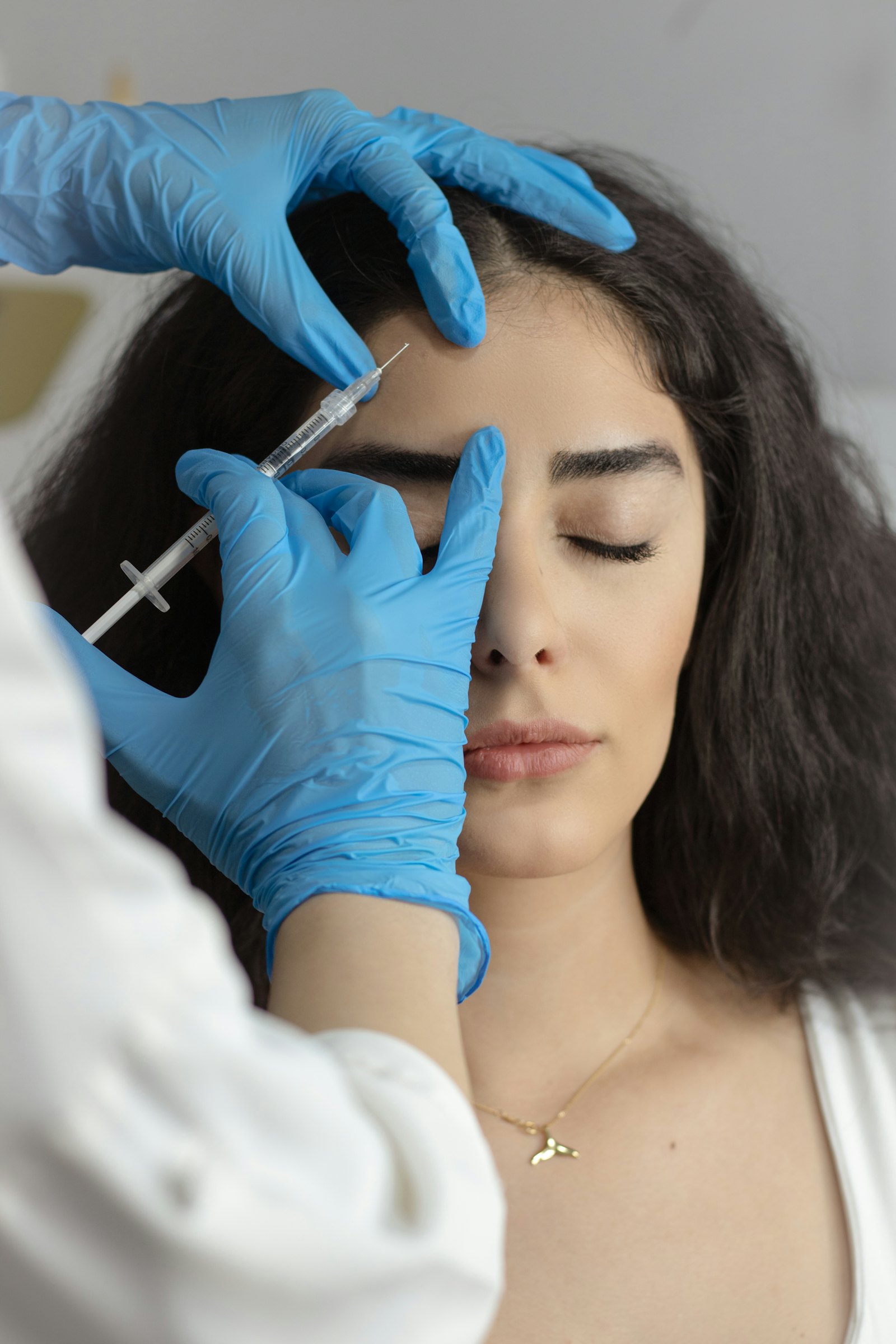
 Cifrate
Photos
What it does
Encrypted one by one
Each image is encrypted before it leaves the browser, with its own key. Anyone who copied the disk would see only encrypted blocks.
The same framing as last time
Choose the view and the previous shot appears transparently in the viewfinder: line it up and shoot.
Before and after, side by side
Two photos of the same area, a slider to drag, and automatic alignment on facial landmarks.
Photos
How to use it, step by step
Step 1 of 5
Add the photo
From the patient's record, Photos section, "Add photo": from the device camera or from a file.
Photos
Good to know
Location stripped from the photos
The shot’s metadata, coordinates included, is removed before saving.
Every opening is an access
Who opened a photo, and when, stays in the log.
Alignment does not retouch
It overlays the two shots to read them better. The originals are not modified.
Publishing a photo requires separate consent
The photo in the chart serves the treatment. Publishing it requires explicit and specific consent: consent to treatment is not enough.
Photos
Questions
Do the photos end up in the printed documents?
No. They are handed over separately, when you decide.
Can I blur the face?
Yes, and it is your choice: in aesthetic medicine the face is often the subject of the documentation.
Do I always have to take every view?
No. The set is a guide: it tells you what is missing, it does not block you.